
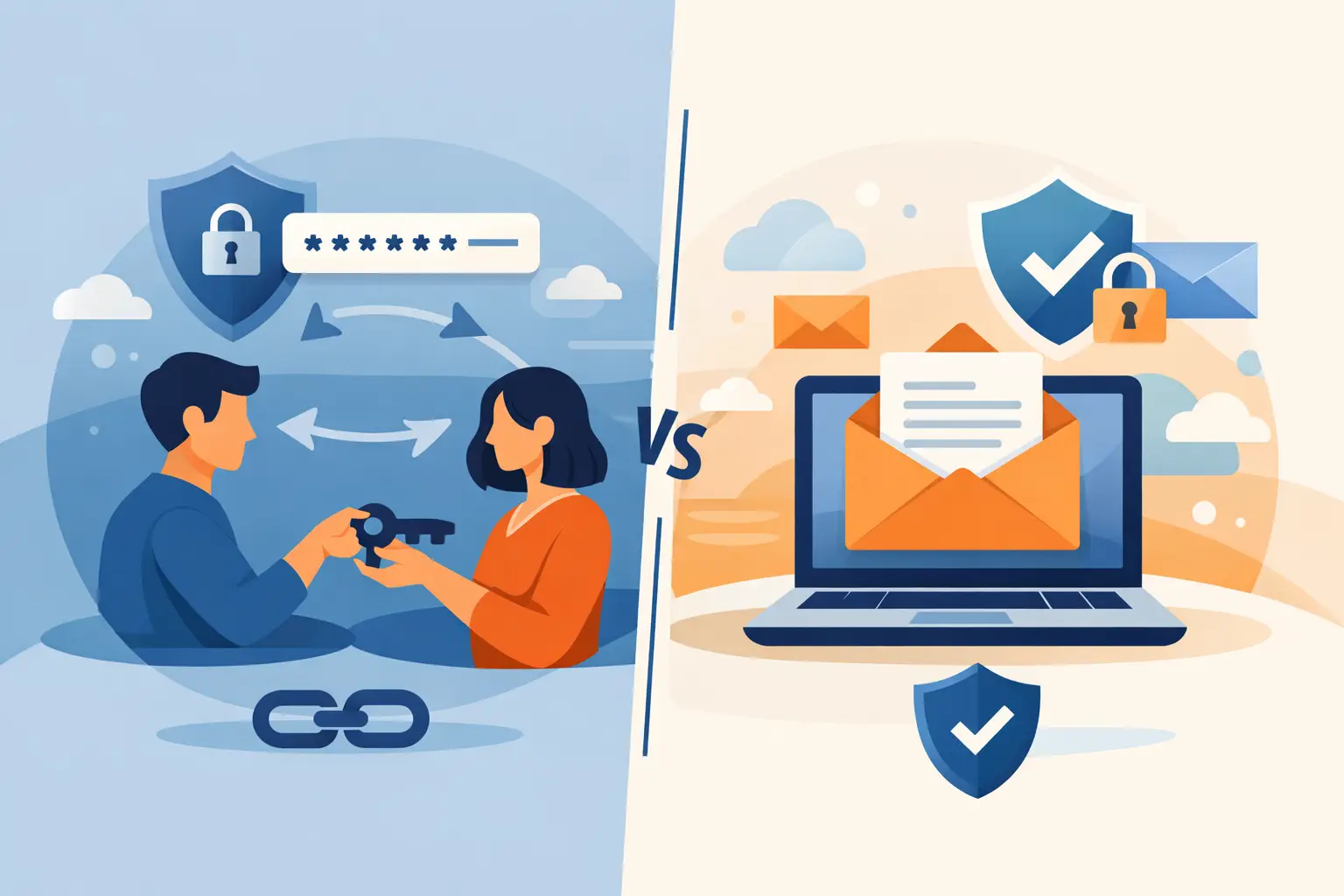
A customer sends a production database password in an email thread. The message reaches the intended engineer, but it also lands in mailboxes, endpoint caches, backups, search indexes, and potentially a ticketing system after someone forwards it for context. This is the real problem behind password sharing vs email: the credential is not merely transmitted. It becomes durable, discoverable data across systems that were never designed to be secret vaults.
For engineering and security teams, email remains one of the most common paths for exchanging credentials, API keys, recovery codes, and infrastructure access details. It is familiar, frictionless, and nearly universal. Those qualities make it useful for communication. They also make it a poor control plane for secrets.
Password Sharing vs Email Is a Control Problem
The useful question is not whether email is encrypted in transit. Modern email providers commonly use transport encryption between servers, and enterprise platforms can add further protections. The question is whether the organization can control the secret after delivery.
With email, the answer is usually no. A message can be copied, forwarded, retained under mailbox policies, synchronized to unmanaged mobile devices, or exposed through a compromised account. Deleting the original message does not remove replicas from recipients, archives, backups, or downstream systems. Even a carefully written email creates a record that is hard to inventory and harder to revoke.
Secure password sharing changes the model. Instead of placing the secret directly in a communication channel, the sender provides controlled access to a secret stored separately from the message. The recipient receives a link or a notification, while the credential remains subject to expiration, view limits, access controls, and audit expectations.
That distinction matters most when the secret grants real capability: production access, cloud administration, customer data access, CI/CD deployment rights, or access to a third-party SaaS tenant.
Why Email Creates More Exposure Than Teams Expect
Email is not inherently insecure. It is simply optimized for correspondence and recordkeeping, not for handling credentials with short lifetimes and high impact. A security review should account for where a secret can persist after it is sent.
The exposure commonly includes:
- Sender and recipient mailboxes, including delegated access and shared inboxes
- Email archives, backups, legal-hold repositories, and eDiscovery systems
- Forwarded messages, copied text, screenshots, and mobile-device synchronization
- Search results, help desk tickets, CRM records, and collaboration tools where the email is later pasted
This persistence is the central operational failure. A password might be rotated next week, but the old credential can remain searchable for years. If teams reuse patterns, include usernames alongside passwords, or send API keys with environment details, the historical record becomes even more useful to an attacker.
Email also weakens incident response. When a credential is suspected of exposure, responders need to know who received it, where it was replicated, and whether it was accessed. Mail audit logs can help, but they do not provide the same narrow, purpose-built view as a secret-delivery system with expiration and access events.
When Email May Be Acceptable
There are limited cases where email can be acceptable for low-risk information. A temporary onboarding instruction, a non-sensitive account identifier, or a link to a credential collection workflow may be sent through email without creating the same level of risk. The email should not contain the secret itself.
Some organizations also use encrypted email with strong identity controls, data loss prevention policies, and managed endpoints. That reduces risk, but it does not eliminate the persistence problem. Encryption protects messages from some unauthorized access paths. It does not make a mailbox an appropriate vault, nor does it prevent authorized recipients from forwarding or storing a credential elsewhere.
The trade-off is clear: email can be adequate to coordinate secret exchange, but it should not be the system that stores or transports the secret value.
What Secure Password Sharing Should Provide
A secure sharing workflow should reduce both exposure and operational friction. If it is difficult for clients, vendors, or internal teams to use, people will return to email and chat. The best approach is usually one that requires no account creation for the person submitting a credential while still giving the receiving team control.
At a minimum, evaluate whether the workflow provides encryption for stored data, clear expiration rules, access logging, and revocation or burn-on-view behavior. A recipient should have only the access needed for the immediate task. A shared secret should not become an undocumented permanent artifact.
For recurring work, centralization is equally important. Engineering teams need secrets organized by environment, customer, project, or service owner. Security teams need a defensible way to confirm that sensitive data did not enter inboxes, issue trackers, or chat history. Integration with an approved password manager or dedicated vault helps ensure that a secret moves from collection to controlled storage without a manual copy-and-paste chain.
Securitae is designed for this exact handoff: a team can issue a Secure Link for a client or third party to submit a password, API key, or other secret without creating an account. The submitted data can be encrypted, routed to a dedicated vault or approved integration, and configured for persistent storage or burn-on-view delivery depending on the use case.
Password Sharing vs Email for Common Engineering Workflows
The right mechanism depends on the secret, the recipient, and the duration of access. A one-time client handoff requires different controls than a long-lived machine credential used by deployment automation.
Client and Vendor Credential Collection
Asking a client to email an administrator password is a predictable source of exposure. It also signals that the receiving organization has no controlled intake process. Send a secure collection link instead, specify the information required, and keep the credential out of the conversation thread. The customer can submit it without learning a new platform or creating another account.
For vendors, apply the same rule. A vendor should receive access through identity-based permissions wherever possible. When a shared secret is unavoidable, use a time-bound delivery method and rotate the credential after the engagement or support window closes.
Internal Break-Glass Access
Emergency access is where teams are most tempted to bypass process. A production incident creates urgency, and email feels fast. But break-glass credentials are among the highest-value secrets an organization has.
Use a system that supports restricted access, short expiration, and a record of viewing. Follow with rotation after use. The goal is not to slow incident response. It is to make emergency access accountable without creating a permanent credential trail in executive, engineering, or support inboxes.
API Keys and Deployment Secrets
API keys sent through email have an additional risk: they are frequently copied directly into source code, shell history, CI variables, or configuration files. A secure delivery mechanism is only the first step. Teams should then store the key in an approved secrets manager, scope it to the minimum permissions, and set rotation expectations.
If an API key must be shared with a developer, use a one-time or expiring secret. If a workload needs it, provision it through machine identity or a managed secrets workflow rather than distributing the raw value through human communication channels.
Build a Policy People Will Follow
A policy that says “never email passwords” is necessary but incomplete. Teams need an approved alternative that is faster than inventing a workaround. Define which tool handles one-time secrets, which vault stores long-lived credentials, who can issue collection requests, and when rotation is mandatory.
Keep the policy specific. Email and chat can contain instructions, usernames, and secure links. They should not contain passwords, private keys, API tokens, recovery codes, or unredacted connection strings. If a secret appears in an inbox or ticket, treat it as exposed: remove the content where possible, rotate the secret, and identify the process gap that led to the disclosure.
Training should focus on real workflows, not abstract warnings. Show customer success teams how to request client credentials safely. Show developers how to hand off temporary test access. Show incident responders how to retrieve break-glass access without placing the credential in a channel that will outlive the incident.
A security control earns adoption when it preserves momentum. Make the secure path the shortest path, and password sharing stops being an informal habit hidden inside email threads.