
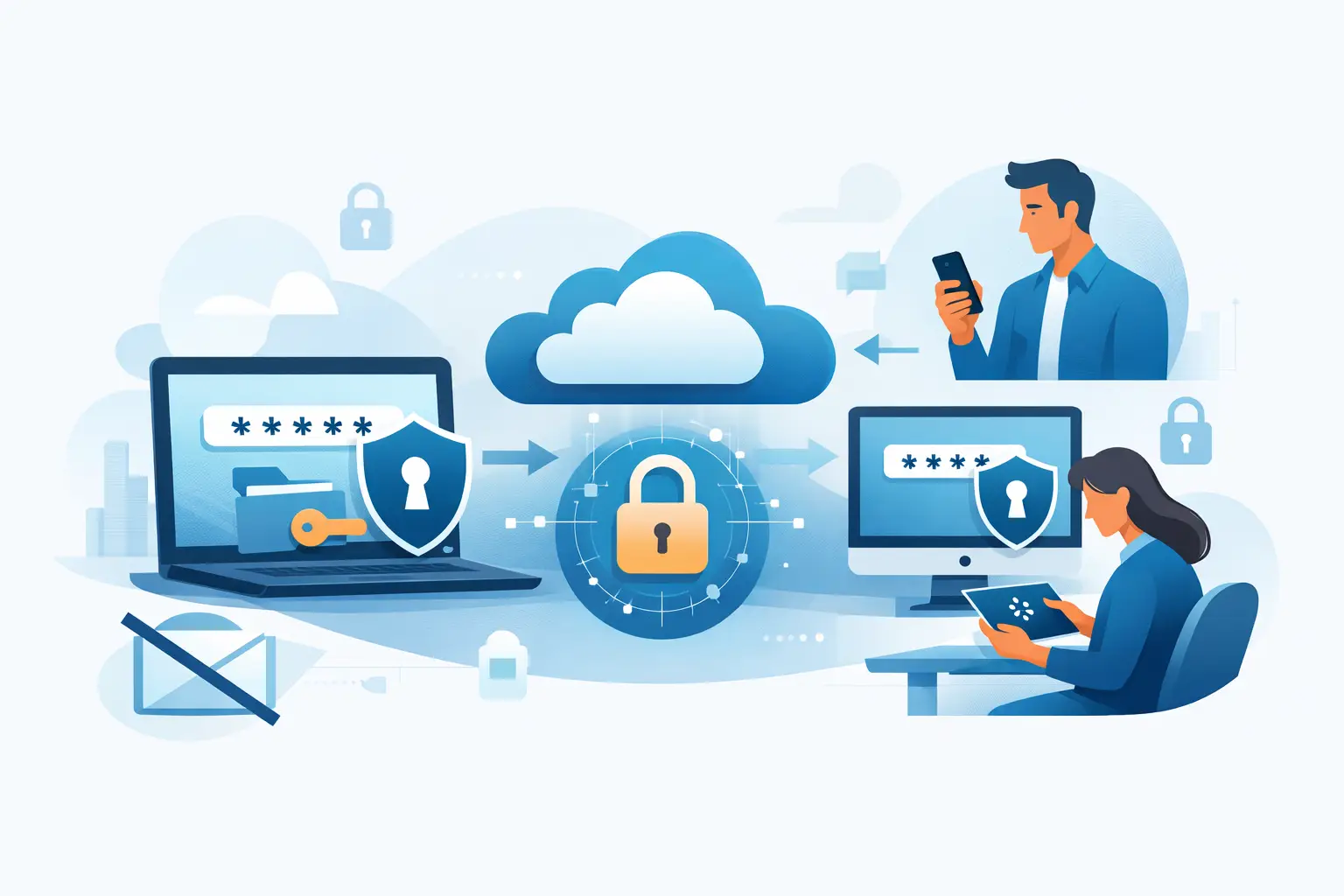
A production credential sent in a Slack thread can remain searchable long after the incident, project, or contractor relationship ends. The same is true of passwords pasted into email, ticket comments, shared documents, and meeting notes. Knowing how to share passwords securely means treating every secret as a controlled access event, not a message.
For engineering and security teams, the objective is not simply to hide a password in transit. It is to limit who can retrieve it, reduce how long it remains available, preserve enough accountability to investigate misuse, and make revocation practical when circumstances change.
Why ordinary messaging fails for secrets
Email and chat systems are designed for communication and retention. They replicate data across endpoints, backups, search indexes, notifications, and sometimes third-party integrations. Even if a channel is private, the secret may be exposed through a compromised mailbox, a stolen session cookie, an over-permissioned workspace administrator, or a forwarded notification.
A password in a ticketing system creates a different but equally common problem: access expansion. Support staff, contractors, auditors, and future team members may be able to view historical tickets even though they never needed the credential. Deleting the original comment does not guarantee removal from audit logs, exports, backups, or email notifications.
Screenshots and spreadsheets are worse because they remove nearly all meaningful control. They are difficult to inventory, impossible to revoke once copied, and routinely retained on unmanaged endpoints. Encrypting a spreadsheet can protect a file at rest, but it only moves the password-sharing problem to the file password and distribution process.
How to share passwords securely: use a purpose-built channel
The safest default is a credential-sharing system that encrypts secrets, limits access, and supports expiration or one-time retrieval. The recipient should receive a controlled access path rather than the secret itself in a message.
A secure workflow has five properties:
- The secret is encrypted in transit and at rest using modern authenticated encryption.
- The sender can restrict retrieval by recipient, time, number of views, or authentication requirement.
- The recipient can access the secret without forcing insecure account creation or password reuse.
- The sender can revoke or rotate the credential when access is no longer justified.
- The organization can determine who created, accessed, or distributed the secret when an investigation requires it.
For a one-time client handoff, a burn-on-view secret is often appropriate. The recipient opens the secret once, after which it is deleted or becomes unavailable. This reduces exposure dramatically, although it does not prevent the recipient from copying the value. That remaining risk is why the credential should be scoped narrowly and rotated after use whenever feasible.
For recurring access, use a managed vault or persistent secret store with role-based access controls. A shared production database password should not be repeatedly sent to individuals. It should be stored centrally, granted to a defined role, and replaced with individual identities or short-lived credentials where the underlying system supports them.
Start by classifying the secret and the access need
Not all passwords carry the same consequence. A temporary password for a low-risk staging account needs less control than a cloud root credential, a signing key passphrase, or a production break-glass account. The delivery method should match the blast radius.
Before sending anything, establish four facts: what the secret grants access to, who specifically needs it, how long they need it, and whether the access can be replaced with a safer alternative. In many cases, the correct answer is not to share a password at all.
For example, instead of sending a cloud administrator password to a contractor, create a named identity with the minimum permissions and an expiration date. Instead of distributing a production API key, issue a scoped key for one integration and apply rate limits, IP restrictions, or a short lifetime. Instead of sharing a SaaS administrator account, invite the user through the platform’s native access controls.
Password sharing is most defensible when the target system cannot support individual identities, delegated administration, federation, or short-lived credentials. Even then, treat the shared password as technical debt with an owner and a retirement plan.
Keep the delivery path separate from the access path
A useful operational pattern is to send the secure-link notification through one channel and the retrieval protection through another. For instance, notify a client by email that a secret is available, but require a separate passphrase delivered by phone or a previously verified channel. This makes a single compromised inbox less likely to expose the credential.
The trade-off is usability. Requiring multiple channels for every low-risk secret slows down support and encourages workarounds. Apply this control where the consequence warrants it: privileged accounts, customer environments, financial systems, production infrastructure, and credentials that provide broad lateral movement.
Avoid placing both a secure-link URL and its access passphrase in the same email or chat message. That is equivalent to locking a key in a box and taping the combination to the lid.
Set expiration, view limits, and a rotation trigger
An expiring link is useful only if it reflects a real access window. A link that remains valid for 30 days because it is convenient becomes another persistent secret store. For a client onboarding event, a window measured in hours or a few days is generally more defensible. For an incident response handoff, one view and a short expiration may be appropriate.
View limits need context. One view works well when a single named recipient needs a credential once. It can fail when a recipient opens the secret on a mobile device, loses the value before storing it safely, and requests a resend. For shared operational access, use a vault rather than increasing a one-time link’s view count indefinitely.
Every shared credential should have a rotation decision attached to it. Rotate immediately after an external party completes a one-time task, after an employee or contractor leaves, after a suspected mailbox or endpoint compromise, and after accidental delivery to the wrong party. For sensitive shared credentials, rotation after any transfer is often the cleanest policy.
Build password sharing into operational workflows
The insecure path usually wins because it is fast. If engineers must open a security ticket, wait for approval, create an account, and train a client before they can send one credential, they will eventually paste it into chat. Security controls need to fit the moment work happens.
A secure credential collection and sharing platform can reduce that friction by allowing clients and third parties to submit or retrieve secrets through controlled links without creating accounts. Securitae supports encrypted secret exchange, burn-on-view delivery, persistent storage, folder organization, and synchronization to designated vault or workflow destinations. The goal is not to add another place where secrets linger. It is to replace informal channels with a deliberate, auditable process.
For teams operating at scale, define a small number of approved patterns. Use a one-time secret for temporary handoffs. Use a vault entry for recurring team access. Use individual, scoped credentials for vendors and integrations. Use a break-glass process for exceptional production access, with a post-event rotation requirement. Engineers should not need to invent the security model during an outage.
Common mistakes that defeat secure sharing
The most frequent failure is sending the secret securely but documenting it insecurely. A team creates an expiring link, then pastes the password into a project ticket “for reference.” The control has been bypassed. Store a reference to the vault location, credential owner, or rotation record instead of the secret value.
Another failure is treating encryption as the complete answer. Encryption protects content against unauthorized reading, but it does not decide whether the recipient should have access, whether their device is trusted, or whether the credential remains valid after delivery. Access control, scope, expiration, and rotation matter just as much.
Finally, do not confuse shared passwords with shared accountability. If several people use one administrator credential, logs cannot reliably identify the actor. Where possible, preserve individual identities and use the shared secret only as a tightly controlled recovery mechanism.
The strongest password-sharing practice is usually the one no one notices: a short, controlled exchange that gives the right person only the access they need, then leaves nothing useful behind for an attacker to find.