
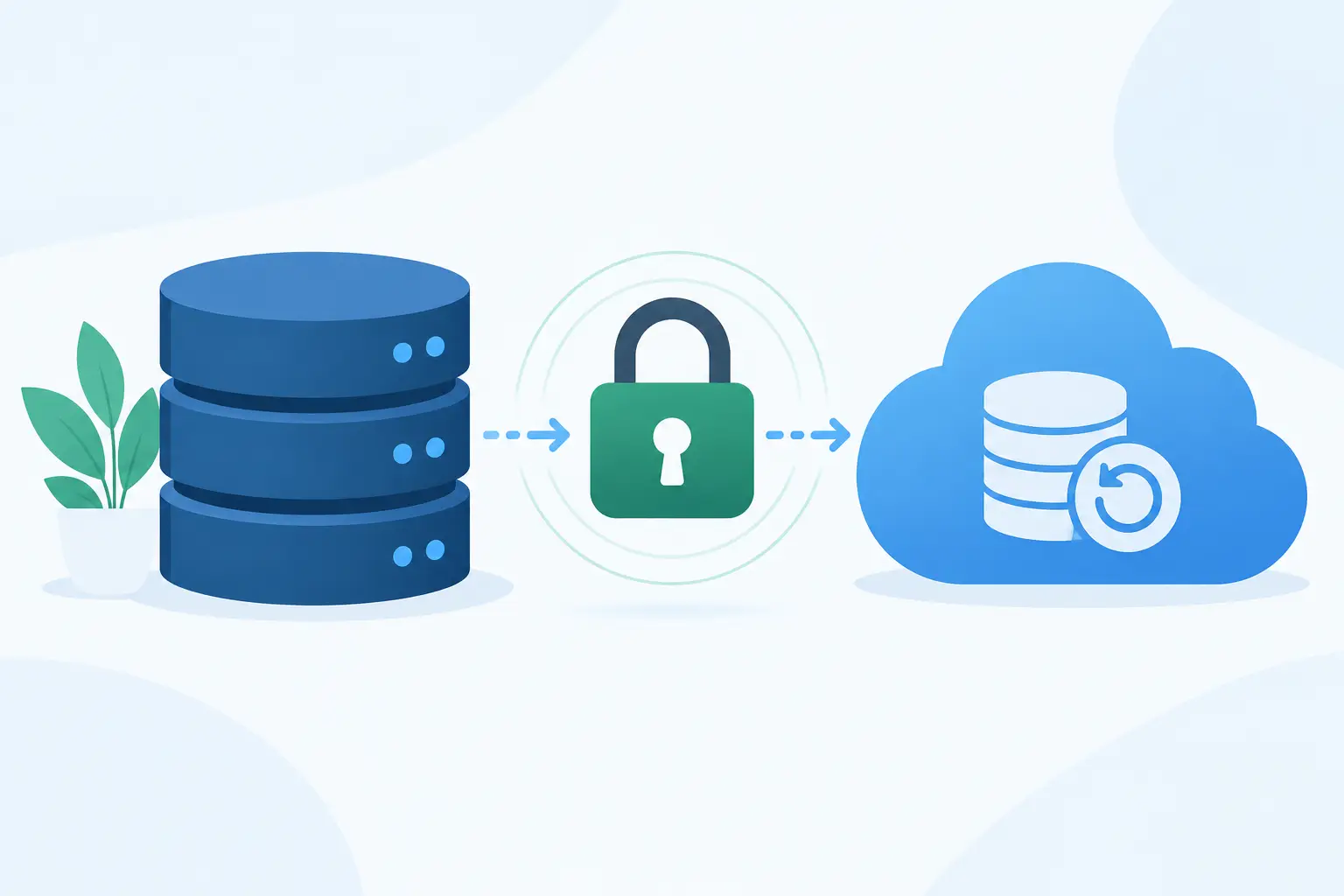
A production database backup is often a complete copy of your most sensitive system: customer records, credentials, payment references, internal business data, and deleted data that no longer exists in production. Knowing how to encrypt database backups is therefore not a storage setting. It is a recovery-security design problem involving cryptography, key custody, access paths, retention, and restore testing.
A backup that cannot be read by an attacker is useful. A backup that cannot be restored during an incident is not. The objective is to preserve confidentiality without putting recoverability at the mercy of one person, one credential, or one cloud account.
Start with the backup threat model
Before selecting an encryption option, identify where backup data moves and who could access it. Database backups commonly pass through application hosts, CI/CD runners, object storage, managed backup services, replication targets, and developer workstations. Encryption at one point in that path does not secure the rest.
The most common failure is relying solely on storage-provider encryption at rest. That control protects disks or objects if the provider’s physical media is compromised. It may not protect against an attacker who obtains cloud credentials with permission to read backup objects, nor does it prevent an overly broad service role from restoring data elsewhere.
Your threat model should account for a compromised cloud identity, accidental public exposure, ransomware, a malicious insider, and the loss of a production environment. It should also state which identities can decrypt backups, under which conditions, and where audit records are retained.
Use envelope encryption for database backups
For most teams, envelope encryption provides the best balance of security and operational control. The backup is encrypted with a unique data encryption key, often called a DEK. That DEK is then encrypted by a separate key encryption key in a managed key service, hardware security module, or equivalent key-management system.
This model matters because large backup files are encrypted efficiently with symmetric cryptography, while the higher-value key is tightly controlled. AES-256-GCM is a sound choice for backup payloads because it provides confidentiality and integrity protection. The authentication tag must be stored with the encrypted artifact, and the implementation must never reuse a nonce with the same key.
A managed key service can generate or protect the DEK, encrypt the DEK, and record decryption activity. Store the encrypted DEK and encryption metadata alongside the backup. Store neither plaintext keys nor recovery passphrases in the backup bucket, deployment repository, build logs, or ticketing system.
Separate key permissions from backup permissions
A service that writes backups should not automatically have unrestricted decrypt permissions. Give the backup job permission to encrypt new artifacts and write them to storage. Give restore workflows narrowly scoped decrypt permission, ideally only after an explicit approval or break-glass procedure.
This separation limits the damage from a compromised backup host or automation token. An attacker who can list and copy encrypted backups should still be unable to read them without access to the key-management plane.
Use distinct keys for production, staging, and development. Do not let a lower-trust environment decrypt production data simply because it uses the same backup tooling. For regulated or particularly sensitive workloads, separate keys by tenant, region, or data classification when the operational cost is justified.
Encrypt before storage when control matters
Managed database platforms may offer encrypted snapshots and automated backups. Enable those controls, but understand their boundary. They are convenient and usually appropriate for routine platform protection, especially when the provider supports customer-managed keys and restrictive identity policies.
Client-side encryption is stronger when you need the backup to remain unreadable to the storage system and to reduce exposure from misconfigured bucket access. In this pattern, the backup process produces a dump or physical backup, encrypts it before upload, then sends only ciphertext to remote storage.
The trade-off is operational complexity. Your restore process must obtain the correct encrypted DEK, access the key-management system, decrypt the artifact, verify its integrity, and only then begin database recovery. If your incident response depends on restoring quickly, automate this workflow and test it under realistic permissions.
For large databases, avoid treating a backup as one opaque archive if it harms recovery objectives. Physical backups, point-in-time recovery logs, and incremental snapshots can each use their own encryption context. The right design depends on recovery point objective, recovery time objective, database engine, and whether you need cross-region or cross-account recovery.
Protect keys as carefully as production access
Encryption is only as effective as key management. Set key rotation policies, but do not assume rotation automatically re-encrypts old backup files. Keep enough historical key material available to decrypt every backup within its retention period. Otherwise, a well-intended rotation can make an older but necessary recovery point unusable.
Use least-privilege identity policies and require multi-factor authentication for human operators who can alter key policies, disable keys, or authorize decryption. Log key use, key-policy changes, backup deletions, and restore attempts to a separate security account or immutable logging destination.
Recovery material deserves special handling. If a manual passphrase, token, or emergency credential is required, distribute it through a controlled secret-sharing process rather than email or chat. Securitae can support controlled credential collection and delivery when teams need to exchange sensitive recovery material without creating another unsecured copy.
Make integrity and immutability part of the design
Encryption does not prevent deletion, corruption, or ransomware. An attacker may be unable to read a backup yet still be able to overwrite it, encrypt it again, or destroy its retention history.
Use versioned storage, retention locks, or immutable backup vaults appropriate to your cloud platform and compliance requirements. Place at least one copy in a separate account or administrative boundary. That boundary should not trust the same identity provider roles that administer production.
Each backup should include integrity verification. AES-GCM detects cryptographic tampering, but you should also record backup manifests, sizes, timestamps, database versions, and checksums for restore validation. Verify that the backup is complete before marking it successful. A successful upload is not evidence of a recoverable database.
Build and test the restore path
The most valuable backup test is a controlled restore into an isolated environment. It validates encryption, access policies, key availability, tooling compatibility, schema recovery, and application-level data checks in one exercise.
Run tests on a defined schedule and after material changes to database versions, backup tools, key policies, IAM roles, or storage architecture. Measure the time to locate the recovery point, authorize decryption, transfer the artifact, decrypt it, restore it, and validate the result. Those measurements reveal whether your documented recovery time objective is real.
A restore test should answer more than whether the database starts. Confirm row counts or business-level invariants, verify that point-in-time logs can be applied where required, and ensure restored data is isolated from production networks. Sensitive production data in a test environment creates a new exposure if access controls are relaxed.
A practical implementation sequence
Teams implementing encrypted backups should establish these controls in order:
- Classify backup data and define recovery point and recovery time objectives.
- Create separate encryption keys and access policies for each environment.
- Encrypt backup artifacts with unique DEKs and protect those keys with a managed key service.
- Write encrypted copies to versioned, immutable storage across a separate administrative boundary.
- Automate restore tests and alert on failed backups, key-policy changes, and unsuccessful restore validation.
Do not leave decryption dependent on a departing engineer’s laptop, a shared password manager entry with unclear ownership, or a cloud role that every administrator can assume. Recovery access must be deliberate, documented, and available under pressure.
Treat the next restore test as the real security review. If the team can recover the right database, with the right keys, within the required window, while an unauthorized operator cannot decrypt the same archive, the backup design is doing its job.