
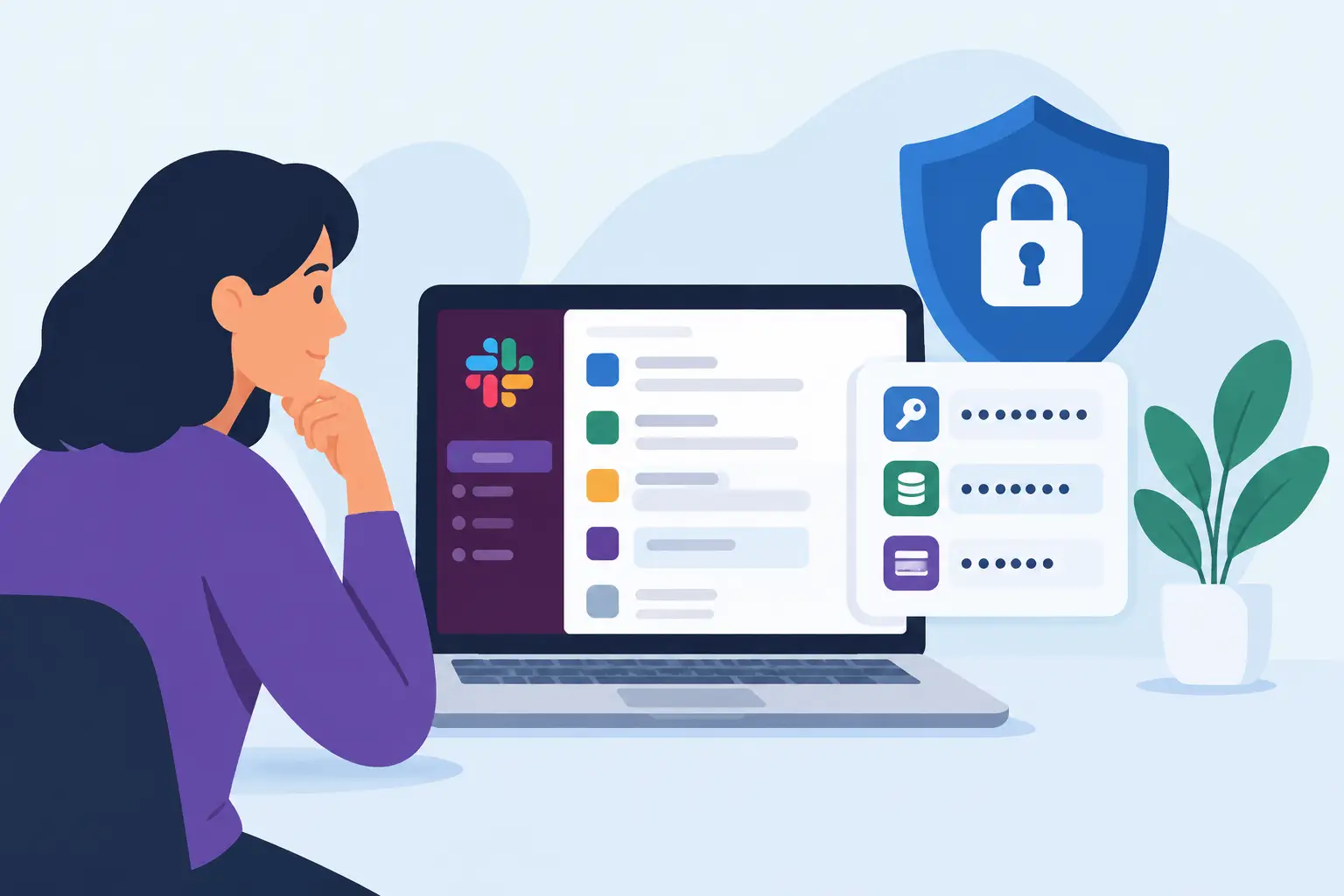
Slack messages often become the fastest route between a blocked engineer and a production fix. That speed creates a predictable question: can Slack store sensitive credentials without creating a material security risk? Technically, yes. Slack can retain messages, files, snippets, and shared content that contain passwords, API keys, tokens, certificates, and connection strings. Security-wise, it is the wrong system of record for most secrets.
The distinction matters. A collaboration platform is built to distribute information to people. A secrets platform is built to restrict, expire, audit, rotate, and compartmentalize access to sensitive values. Treating those roles as interchangeable expands the blast radius of a single copied-and-pasted credential.
Can Slack Store Sensitive Credentials?
Slack stores content sent through its platform, subject to the workspace’s retention configuration, plan, administrative controls, and legal or compliance requirements. A secret pasted into a direct message is still stored content. Moving it from a public channel to a private channel or DM reduces visibility, but it does not turn Slack into a credential vault.
Content can also persist beyond the moment it is sent. It may appear in search results, mobile notifications, desktop notification previews, message history, exported data, e-discovery workflows, backups, integrations, or locally cached application data. Deleting a message may reduce exposure, but teams should not assume deletion eliminates every copy immediately or retroactively removes all access paths.
Slack provides meaningful security controls, including access management, encryption protections, retention settings, enterprise administration, and audit capabilities. Those controls are valuable for collaboration. They do not provide the core operating model required for secrets management: secret-scoped access policies, automatic expiration, controlled reveal, rotation workflows, and reliable prevention of casual redistribution.
Why Credentials Behave Differently From Other Sensitive Data
Not all confidential information creates the same operational risk. A roadmap, customer discussion, or unreleased feature specification may be sensitive, but it usually cannot directly authenticate to production infrastructure. A cloud access key can.
Credentials are bearer instruments. Whoever possesses a valid token, password, or private key may be able to use it without proving identity beyond the credential itself. That means exposure is not limited to the original recipient. A copied message, compromised endpoint, overly broad workspace role, or integration with excessive permissions can all become a path to infrastructure access.
The impact depends on what the secret controls. A low-privilege sandbox password is not equivalent to a production database credential. A short-lived token with a narrow scope is not equivalent to a long-lived administrator API key. But even lower-risk secrets normalize a habit that tends to fail when an urgent production incident arrives.
Where Slack Credential Sharing Fails
The obvious failure is posting a secret in a public channel. The more common failures are quieter: a developer sends an API key in a DM, a support engineer uploads a configuration file, or a vendor adds credentials to a ticket discussion forwarded into Slack.
Four exposure paths deserve particular attention:
- Search and retention: A secret can remain discoverable to authorized users for months or years, depending on retention policy and deletion practices.
- Endpoint exposure: Slack is accessed from laptops, phones, browsers, and sometimes unmanaged devices. Notifications may display portions of a secret on a lock screen or in a screen recording.
- Workspace access changes: Employees, contractors, incident responders, and administrators may gain access over time. Historical message access can exceed the audience intended when the credential was shared.
- Connected systems: Bots, workflow tools, archival products, security monitoring platforms, and e-discovery systems can create additional copies or broaden the number of systems that process the content.
A private channel is therefore a visibility control, not a secrets-management control. Encryption in transit and at rest does not resolve this problem by itself. The central issue is authorized access: too many people, systems, and retention processes may legitimately handle a message that should have been tightly scoped from the start.
A Better Workflow for Sending Secrets
The practical alternative is not to slow engineers down with approval-heavy processes. It is to make the secure path faster than copy-paste.
For routine credential delivery, use a dedicated secret-sharing workflow that provides a unique recipient link, controlled access, and expiration. The recipient should be able to retrieve the secret without creating a collaboration account or being added to a workspace. The sender should be able to set a short lifetime and verify whether the secret was accessed.
For long-lived credentials, place the value directly in the destination vault whenever possible. A team should avoid treating chat as the transfer layer between a requester and a password manager. If a client needs to submit a database password or third-party API key, collect it through a purpose-built secure intake form and synchronize it into the approved vault. That removes the need for an employee to relay the value manually.
Securitae supports this model with secure links for credential collection and sharing, including expiration controls, burn-on-view delivery, vault synchronization, and bridge-mode workflows that delete locally handled data after successful synchronization. The goal is straightforward: share the reference in Slack, not the secret itself.
A Slack message can say, “The production credential is available in the secure link,” or “The key has been added to the team vault.” Those messages preserve operational context without placing authentication material into the collaboration record.
Set Policy by Secret Type and Environment
A blanket rule such as “never share credentials in Slack” is directionally correct but difficult to enforce without a usable alternative. A stronger policy defines what is prohibited, what tool must be used instead, and what to do during an incident.
Production passwords, private keys, recovery codes, access tokens, database connection strings, webhook signing secrets, and customer-provided credentials should never be pasted into Slack. This should apply to public channels, private channels, DMs, huddles, canvases, and file uploads.
Temporary nonproduction credentials may require a more nuanced policy, but convenience should not be the deciding factor. If they are long-lived, privileged, reusable, or connected to personal or customer data, they should use the same secure workflow. For truly disposable test values, teams can document an exception, provided the environment is isolated and access is tightly limited.
Incident response is where policies are most likely to break. Build the exception process before an outage. Define who can generate a short-lived emergency credential, where it is delivered, how access is logged, and who rotates or revokes it after remediation. A secure workflow that requires three meetings during an outage will be bypassed.
Reduce the Risk of Existing Slack Secrets
Most organizations already have historical exposure. The first task is discovery, not blame. Search for patterns associated with credentials, including common key prefixes, connection-string formats, PEM headers, environment variable names, and phrases such as “password,” “token,” or “secret.” Treat search results carefully, because automated scans can create additional handling of sensitive content.
When a live secret is found, rotation is the priority. Deleting the message alone does not make the credential safe. Revoke or rotate the value, confirm the replacement is stored in the approved system, then remove the exposed Slack content according to your retention and investigation requirements.
Security teams should also review Slack app permissions, administrative roles, guest access, export capabilities, retention settings, and device management coverage. These controls will not turn Slack into a vault, but they limit secondary exposure and improve investigation readiness.
The Decision Rule
Use Slack to coordinate work around a secret. Do not use it to hold the secret.
If the information can authenticate, authorize, decrypt, impersonate, or provide access to a customer environment, it belongs in a vault or a controlled secret-sharing channel with expiration and auditability. That discipline protects more than credentials. It keeps urgent engineering work moving without quietly turning the company chat history into an infrastructure access archive.