
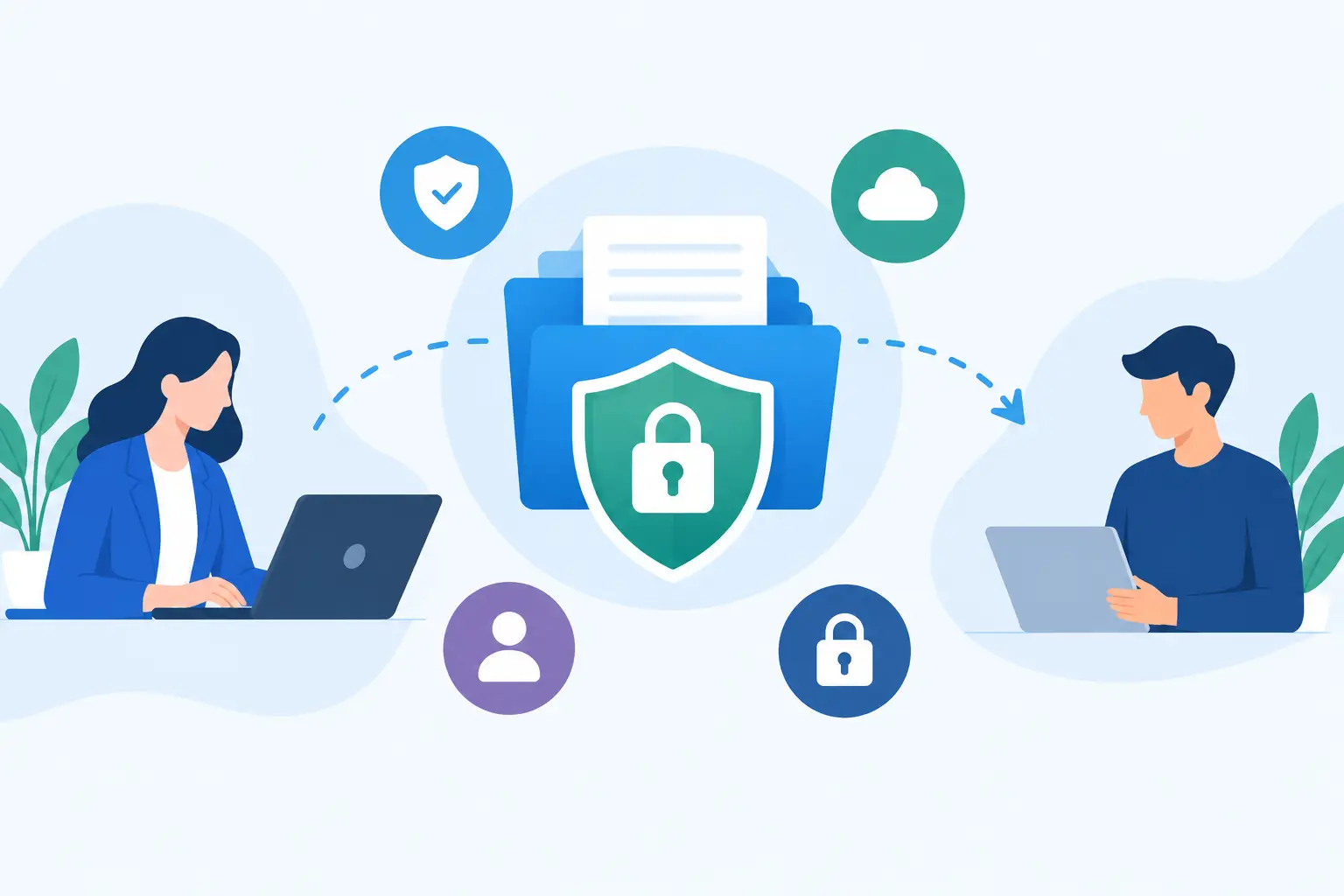
A file request is often where a controlled environment ends. Your team may enforce SSO, device posture, repository permissions, and audit logging internally, then ask a customer to email production logs, identity documents, database exports, or API credentials. That handoff creates an unmanaged copy of sensitive data in mailboxes, forwarding chains, and endpoint backups. The best secure file request tools close that gap without forcing external senders through an account-creation process.
This is not simply a storage decision. A secure request workflow determines who can submit data, where it lands, how long it remains available, whether recipients can download it, and what evidence exists after the exchange. For security and engineering leaders, those controls matter as much as upload convenience.
What a secure file request tool must control
A public upload page is not automatically a secure intake channel. Any serious option should encrypt data in transit and at rest, but those are baseline capabilities. The differentiators are identity, policy enforcement, data residency, retention, logging, malware handling, and integration with the systems where your team already works.
External contributors should be able to upload with minimal friction, ideally without a paid seat or persistent account. At the same time, the request owner needs controls that prevent an open link from becoming a permanent, anonymous drop box. Expiring links, recipient verification, upload limits, file-type restrictions, and granular access permissions are practical safeguards.
There is also a distinction between files and secrets. A client submitting a signed PDF needs a different workflow from an administrator submitting a root password or API token. Treating both as ordinary attachments creates unnecessary exposure.
7 best secure file request tools
1. Securitae
Securitae is the strongest fit when the intake item is a credential, token, private key, connection string, or another secret that should never become an email attachment. A user creates a Secure Link and sends it to a client or third party, who can submit sensitive values without creating an account. The platform uses AES-256-GCM encryption and can synchronize received secrets to 1Password, Slack, or dedicated vaults.
Its security model is purpose-built for sensitive submissions rather than generic document collection. Burn-on-view delivery, persistent secret storage, folders, API access, and bridge mode provide options for teams with different handling requirements. Bridge mode is especially relevant for organizations minimizing stored data: local data is deleted after a successful synchronization.
The trade-off is scope. This is not a replacement for an enterprise content repository designed to collect multi-gigabyte media files or large e-discovery datasets. It is the appropriate tool when a file request is really a secret-request problem. Teams that repeatedly ask customers for access credentials should create a Securitae account instead of normalizing email-based collection.
2. Box File Request
Box File Request is a strong choice for organizations already standardized on Box governance and content management. It lets external users upload files through a request link, even when they do not have a Box account. Submitted files go directly into a specified Box folder, where retention, classification, collaboration permissions, and downstream governance can apply.
The primary advantage is consolidation. Legal, security, finance, and customer operations teams can collect material into the same governed content environment used for internal records. For regulated organizations, that can simplify eDiscovery and lifecycle management.
Box is less compelling if your use case is limited to occasional client uploads and your organization does not otherwise use its platform. The administrative value comes from its broader information governance stack, which may be excessive for a small engineering team.
3. Dropbox File Requests
Dropbox File Requests is a practical option for low-friction collection from customers, candidates, vendors, and partners. Recipients can upload through a link without needing a Dropbox account, and request owners can set deadlines, close requests, and receive files in a designated folder.
Its main strength is familiarity. Many external users understand Dropbox immediately, which reduces support requests and incomplete submissions. It can work well for collecting non-secret artifacts such as screenshots, contracts, creative assets, diagnostic bundles, and onboarding documents.
For higher-risk workflows, verify how your Dropbox plan handles administrative controls, auditability, retention, and external sharing. Convenience should not be confused with a sufficient control set for credentials, regulated records, or security incident evidence.
4. Citrix ShareFile
Citrix ShareFile is designed for controlled client exchange, particularly in professional services, financial services, healthcare, and legal environments. Its request features support secure uploads, branded portals, permissions, workflow automation, and reporting. The product is often selected where client-facing document exchange is a core operational process rather than an occasional task.
ShareFile is valuable when teams need a more formal experience around client data collection. It can support repeatable processes such as tax-document intake, customer onboarding, or case-file collection, where staff need visibility into missing items and submitted material.
The cost and administration are harder to justify for a lean product team that only needs secure ad hoc intake. It is best evaluated as a managed client-content platform, not merely as an encrypted upload form.
5. Kiteworks
Kiteworks is aimed at organizations with strict compliance and governance requirements for sensitive content. It combines secure file exchange, managed file transfer, secure email, automated policy controls, and detailed auditing. This makes it a serious candidate for enterprises moving regulated or high-value data across organizational boundaries.
Its advantage is policy depth. Security teams can centralize controls across several external data-transfer channels instead of deploying separate point tools for ad hoc transfers, managed file transfer, and secure portals. That can improve visibility and reduce inconsistent handling.
The trade-off is implementation overhead. Kiteworks is not the fastest answer for a startup that needs to collect a few client files this afternoon. Its value increases with scale, compliance exposure, and the number of transfer workflows that need central governance.
6. Egnyte
Egnyte combines content collaboration with governance and data protection features. Its file request capability can support external collection while keeping data within a platform built for access control, audit trails, classification, and lifecycle management. It is often relevant for companies that need users to collaborate on content after upload, not just deliver it once.
For technical leaders, Egnyte is worth considering when unstructured data sprawl is the larger problem. A secure request link may solve intake, but the broader question is whether submitted files can be discovered, classified, and protected after they enter the organization.
As with Box, the platform approach can be more than a narrowly scoped request workflow requires. Evaluate it when content governance is a strategic need, not only because it has an upload link.
7. Filemail
Filemail is a focused option for transferring large files through upload forms, request links, and secure delivery workflows. It is particularly useful when file size, sender simplicity, and delivery speed matter more than deep content governance. Media teams, construction firms, and product groups collecting large diagnostic archives may find that focus useful.
Before using it for sensitive material, assess the plan-specific security capabilities, storage location, retention settings, authentication options, and audit requirements. Large-file transport and confidential-data handling overlap, but they are not identical requirements.
How to select the right platform
Start by classifying what you are collecting. If the request is for secrets, use a system designed to ingest secrets and route them to a vault or approved operational destination. If it is for business documents, choose a platform that applies the retention, classification, and access controls required by that document type. If it is for large technical artifacts, prioritize size limits, transfer reliability, and malware scanning alongside access control.
Then examine the external sender experience. Requiring every customer to provision an account may improve identity assurance, but it can delay urgent exchanges and cause abandonment. A better pattern is a no-account submission experience combined with expiring links, verified recipients where appropriate, narrow upload permissions, and a documented retention policy.
Finally, test the operational path after upload. Determine who receives a notification, who can access the submission, whether it is copied into email or chat, how it reaches the system of record, and when it is deleted. Security failures often occur after the upload succeeds, when teams duplicate sensitive content into less controlled systems.
The right request tool is the one that makes the secure path easier than sending an attachment. If your process still depends on a customer deciding whether an API key is safe to email, the control has been placed too late.