
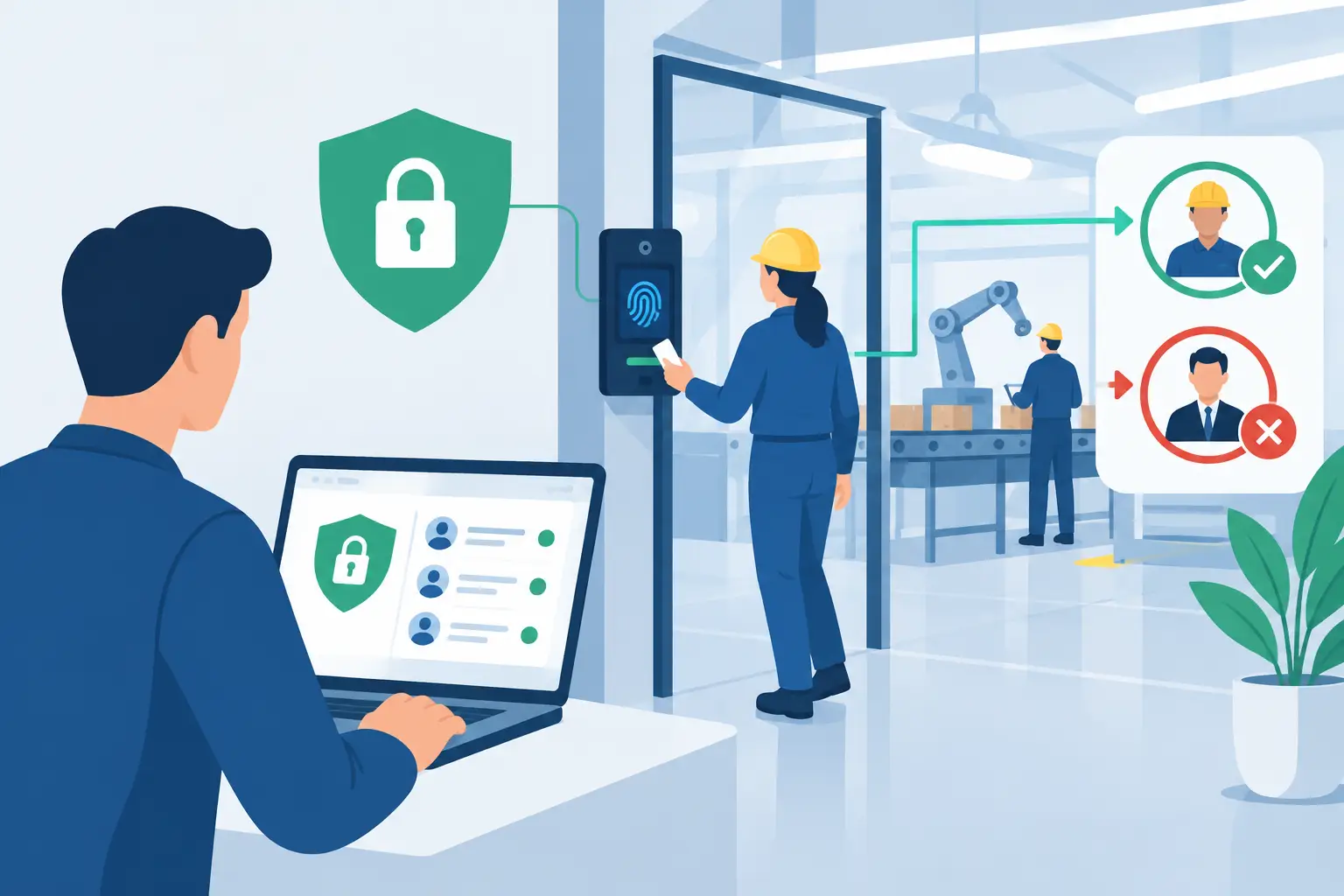
Production access is not a reward for seniority, a shortcut for on-call pressure, or a default setting for engineers who “might need it.” Knowing how to restrict production access means designing a system where people can resolve incidents and ship safely without holding standing authority to alter customer-facing systems.
The risk is not limited to malicious insiders. A developer with broad cloud permissions, a stale contractor account, or a support engineer copying a database credential into the wrong terminal can create an outage or expose sensitive data. The practical goal is to reduce the blast radius of normal human error while preserving the speed required to operate software.
Start with a production access model, not permissions
Teams often begin by editing IAM roles. That is necessary, but it is not the first decision. First, define what production access means in your environment. It may include cloud consoles, Kubernetes clusters, CI/CD systems, observability platforms, databases, feature-flag services, customer-support tooling, and secret stores.
Treat each of these as a distinct control plane. An engineer who needs to inspect logs does not necessarily need shell access to a production container. A responder who can restart a workload does not necessarily need permission to read customer records. A deployment system should be able to release a signed artifact without receiving unrestricted cloud administrator rights.
This distinction prevents a common failure mode: one broad “production engineer” role that bundles unrelated privileges because it is convenient. Convenience creates privilege accumulation. Over time, access becomes difficult to explain, difficult to revoke, and nearly impossible to audit with confidence.
A useful access model answers four questions for every privileged action: who can perform it, under what conditions, for how long, and where the evidence is recorded. If those answers are unclear, the control is incomplete.
Use least privilege at the task level
Least privilege is often described as granting only the permissions a user needs. In practice, it must be more specific: grant only the permissions needed for a defined task, against a defined scope, during a defined period.
For example, a platform engineer investigating elevated latency may need read access to traces, logs, and deployment history. They may need authority to roll back a release. They usually do not need direct database write access, the ability to alter network policy, or the ability to create new identity-provider administrators.
Build roles around operational tasks rather than job titles. Common examples include read-only production observer, incident responder, deployment approver, database break-glass operator, and infrastructure change operator. Each role should map to a narrow set of actions and resources.
This approach has trade-offs. Highly granular roles take effort to design and maintain, especially across multiple cloud accounts and tools. But broad roles move that cost into incident response, compliance reviews, and post-incident cleanup. The right level of granularity depends on team size and architecture, but no organization should accept “admin because it is easier” as a permanent design.
Separate read, write, and destructive actions
Read access can still expose regulated data, secrets, and customer information, so it requires controls. But write and destructive actions carry a different operational risk and deserve additional gates.
A sound baseline separates the ability to inspect a production system from the ability to change it. It also isolates irreversible actions such as deleting data, rotating root credentials, changing identity policies, or disabling audit logs. Require stronger approval and shorter session duration for these operations.
Where possible, remove direct human write access entirely. Route routine changes through version-controlled infrastructure, reviewed pull requests, policy checks, and deployment pipelines. This improves both security and recoverability because the intended change is recorded before it reaches production.
Replace standing privileges with just-in-time access
Standing access is easy to use and hard to defend. Just-in-time, or JIT, access grants a person a privileged role only when a valid operational need exists. Access expires automatically after a short window, such as 30 to 120 minutes.
A mature JIT workflow typically requires strong authentication, a request that identifies the target environment and reason, and an approval policy proportionate to risk. Low-risk read-only access may be automatically approved for on-call engineers. Database writes or identity changes may require a second approver or an active incident record.
The approval step should not become theater. If an on-call engineer needs production access at 3 a.m. to restore service, a manual approval queue can increase downtime. Use pre-approved eligibility for defined roles, then require the engineer to activate access with an explicit reason. Reserve stricter approval for higher-impact actions.
Every elevation should produce an audit record that captures identity, role, start and expiration time, stated purpose, approver when applicable, and actions taken. Identity must be attributable to a person, not a shared account. Shared credentials erase accountability precisely when it matters most.
Restrict production access through the delivery path
The safest production change is one that does not require an engineer to log into production at all. CI/CD systems should deploy tested, approved artifacts using narrowly scoped workload identities. Human users should approve or initiate releases through controlled workflows rather than manually running commands from laptops.
Protect the delivery path as carefully as the production environment. A pipeline credential with unrestricted access is still standing production access, even if no person knows the secret. Use short-lived workload credentials, isolate deployment identities by environment, restrict who can modify pipeline definitions, and require review for changes that affect production authorization.
Artifact integrity also matters. Build once, promote the same signed artifact across environments, and verify provenance before deployment. If production can accept arbitrary code from an engineer workstation, access restrictions around the console offer limited protection.
Control secrets before they become production access
Secrets are frequently the hidden bypass around carefully designed IAM. An API key, database password, SSH key, or long-lived cloud token sent through chat can grant access outside the intended approval and audit path.
Eliminate secrets from source code, tickets, chat history, and personal password managers. Store them in a managed secrets system, scope them to a workload or operation, and rotate them after suspected exposure. Favor short-lived tokens issued through federated identity over static credentials wherever the platform supports them.
External parties create a recurring weak point. A client, vendor, or contractor may need to submit a credential without receiving access to your internal systems. A secure collection workflow should let them provide the secret without creating an account, encrypt the data in transit and at rest, and route it directly to an approved vault or operational destination.
Securitae Secure Links support this pattern by collecting sensitive credentials without pushing users toward email or chat, while options such as burn-on-view and vault synchronization reduce unnecessary secret persistence. The workflow still needs ownership, expiration, and rotation rules. Secure transport is not a substitute for access governance.
Build break-glass access for real emergencies
A restrictive model without emergency access eventually gets bypassed. Teams need a break-glass mechanism for incidents where normal identity services, automation, or approval workflows are unavailable.
Break-glass accounts should be few, tightly protected, monitored continuously, and unavailable for routine work. Store recovery credentials in a controlled vault, require hardware-backed multifactor authentication where feasible, and alert the security and platform teams immediately when the account is used. Every use should trigger a retrospective review, even when the action was justified.
The objective is not to make emergency access painful. It is to make it exceptional, observable, and temporary. If break-glass access appears in routine operational logs, the standard access model is too restrictive or poorly designed.
Review access as an operational control
Access reviews fail when they become a quarterly spreadsheet exercise with blanket approvals. Reviews should focus on meaningful signals: dormant accounts, roles unused for months, former employees, expired contractor relationships, accounts without strong authentication, and permissions that exceed an employee’s current responsibilities.
Automate revocation from the source of truth for employment and contractor status. Remove access promptly when someone changes teams, leaves the company, or completes an engagement. For high-risk systems, require periodic re-certification by the manager and system owner, not merely the user.
Measure the program with operational metrics. Track the percentage of privileged access that is JIT, the number of standing administrators, unused privileged roles, time to revoke access, break-glass events, and production changes performed outside the approved delivery path. These metrics show whether the system is becoming safer or simply more bureaucratic.
Production access should feel intentional. When an engineer can explain why access exists, activate only what the task requires, and leave behind a clear record, security stops being a gate at the end of delivery and becomes part of reliable engineering.