
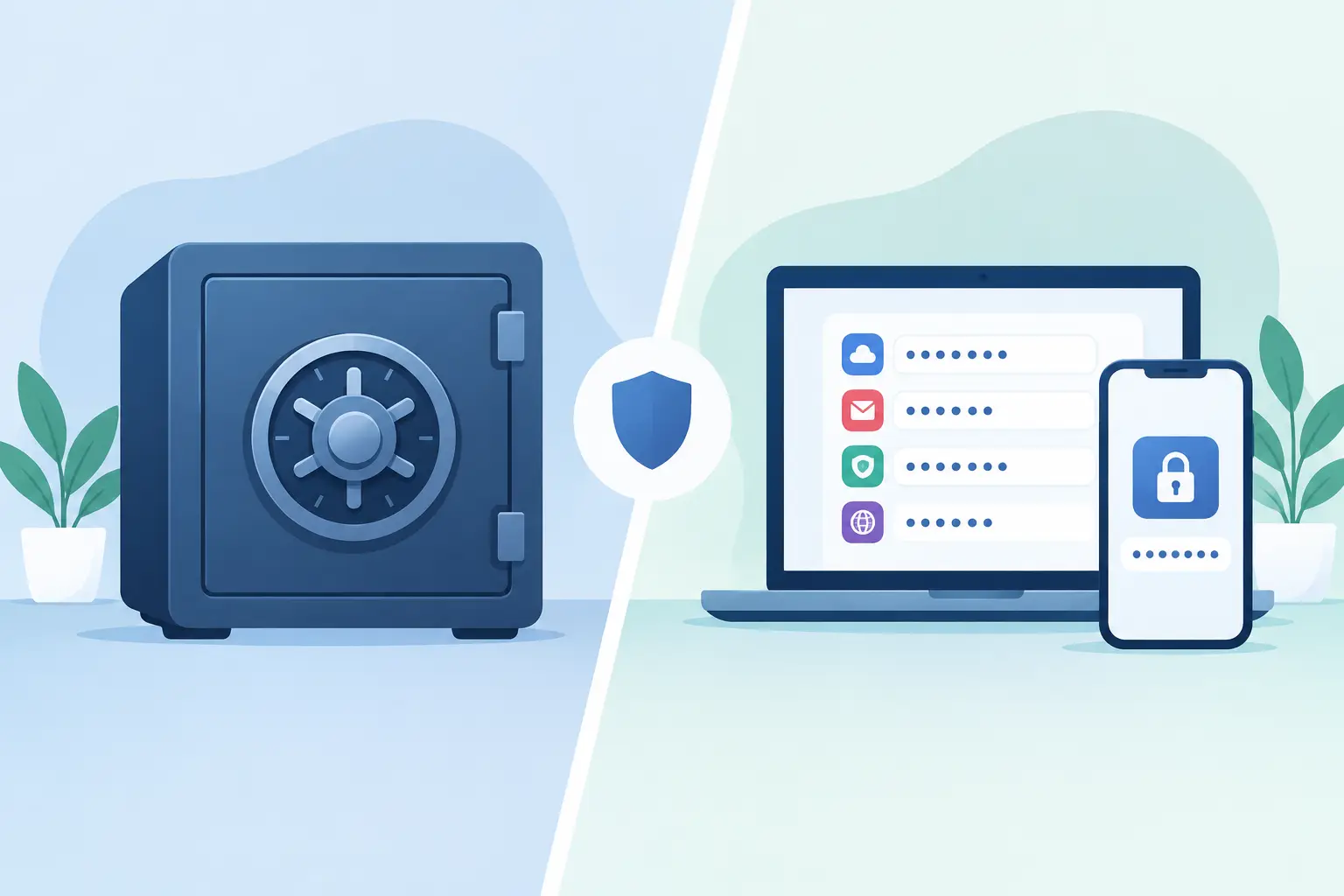
A credential sent in a chat message is already outside the control plane, even if the message is deleted later. That is the practical distinction behind secret vault vs password manager: one tool may help a person store and retrieve credentials, while the other can govern how sensitive data enters, moves through, and leaves an organization.
For engineering teams, this is not a semantic debate. It affects API key rotation, vendor onboarding, incident response, audit evidence, and the number of people who can accidentally expose production access. A password manager and a secret vault can work well together, but they solve different parts of the problem.
What a password manager is built to do
A password manager is primarily a credential storage and retrieval system for people. It gives users a protected place to save passwords, passkeys, secure notes, and sometimes payment details or recovery codes. Its strongest workflow is familiar: a user authenticates to the manager, finds an entry, and uses or copies the credential when needed.
For employees, this replaces dangerous habits such as browser-only storage, reused passwords, spreadsheets, and direct-message sharing. Shared vaults and team collections extend the model to departments, allowing controlled access to common accounts such as cloud consoles, SaaS administration panels, and vendor portals.
That makes password managers foundational security tooling. They improve password hygiene, support multifactor authentication, and reduce the likelihood that a credential is stored in a personal document or transmitted in plaintext. They are especially effective when the secret is tied to a human login and needs to be repeatedly accessed by an authorized individual.
The limitation is architectural. A password manager is not automatically a secure intake channel for secrets submitted by clients, contractors, or external systems. Asking a customer to email a password, then manually copying it into a password manager, still leaves exposure in the transport and handling stages.
What a secret vault is built to do
A secret vault is designed around protecting sensitive values across their lifecycle. Depending on the implementation, it may store API keys, database credentials, certificates, tokens, SSH keys, configuration values, and other non-human secrets. More mature vault workflows also define who or what can submit a secret, where it is routed, how long it persists, and whether it can be viewed more than once.
The key difference is that a vault treats secrets as operational assets, not merely saved logins. The concern is not only whether Alice can retrieve a password. It is whether a deployment pipeline, support engineer, managed service provider, or customer can exchange a sensitive value without creating uncontrolled copies.
A secret vault may enforce encryption at rest, granular policy controls, scoped access, expiration, audit records, and automated synchronization into designated destinations. It can also support workflows where the sender never needs an account. That matters when a third party needs to provide production credentials but should not receive access to the rest of your security tooling.
Secret vault vs password manager: the operational difference
The most useful comparison is not which product is more secure in the abstract. A well-configured password manager is more secure than a poorly operated vault. The question is which workflow each system is meant to secure.
A password manager generally answers: “How does an authorized person safely use this login?” A secret vault more often answers: “How do we collect, distribute, rotate, and constrain this sensitive value without exposing it in transit or multiplying copies?”
Consider a SaaS company onboarding a new enterprise customer. The customer needs to provide an API token for an integration. If the company tells the customer to send it by email, the token can persist across mailboxes, backups, forwarding rules, endpoint caches, and ticketing systems. If the customer sends it through chat, the organization inherits another uncontrolled record.
A secure submission workflow changes the model. The customer receives a purpose-specific secure link, submits the token through an encrypted form, and the secret is routed to the approved destination. The link can expire, the secret can be burned after viewing, and the company can retain an audit trail without retaining the credential in several systems.
This is where a platform such as Securitae fits: it provides account-free secure links for external collection, with AES-256-GCM encryption, destination synchronization, and bridge mode for deleting local data after successful synchronization. It is designed to remove the insecure handoff before a secret reaches a password manager or a dedicated vault.
Where password managers remain the right choice
Do not replace a password manager simply because your team needs stronger secret-handling controls. For day-to-day human authentication, password managers are usually the correct tool.
They are well suited to shared administrative accounts, employee-managed SaaS logins, recovery codes, and credentials that a limited group must use repeatedly. They are also easier for nontechnical teams to adopt. Finance, operations, sales, and support should not need to understand dynamic secret injection or machine identity policy to access an approved business account.
A password manager can also be appropriate for small teams with limited infrastructure, provided the team applies strong authentication, minimizes shared access, reviews permissions, and avoids storing high-impact infrastructure secrets in broadly shared folders.
The risk increases when a credential becomes machine-consumed, production-critical, frequently rotated, externally supplied, or subject to compliance requirements. Those conditions call for stricter lifecycle controls than a standard shared-login workflow typically provides.
Where a secret vault is necessary
Engineering and security leaders should treat a secret vault as a requirement when secrets are used by applications, CI/CD systems, cloud workloads, or infrastructure automation. Hardcoding values in repositories, environment files, build configuration, or deployment scripts creates long-lived exposure that is difficult to inventory and rotate.
A vault-centric approach supports a cleaner separation between code and credentials. Applications retrieve only the values they need, under an identity and policy appropriate to the runtime environment. This reduces standing access and improves containment when a service, host, or developer account is compromised.
External secret collection is another clear use case. Agencies collecting client credentials, implementation teams receiving API keys, and support teams requesting temporary access all need a controlled front door. The sender should not have to create an account, and the recipient should not have to search multiple inboxes or copy secrets out of tickets.
For regulated environments, the ability to demonstrate where a secret originated, who accessed it, and whether it expired can be as valuable as encryption itself. Auditability does not eliminate risk, but it makes weak processes visible before they become an incident.
Avoid the false choice
The best architecture for many organizations uses both systems with explicit boundaries. Keep human login credentials in a password manager. Keep application and infrastructure secrets in a vault. Use a secure collection layer when secrets must arrive from people outside the organization.
Those boundaries should be documented. Define which systems may hold production credentials, prohibit secrets in source control and tickets, set expiration rules for temporary access, and establish a rotation process for any value exposed through an unauthorized channel. Security teams should also test the real workflow, not just the policy. If receiving a customer API key securely is inconvenient, employees will route around the controls.
The practical goal is not to put every sensitive string into one product. It is to remove unnecessary copies, narrow access, and make safe behavior faster than email or chat. When the handoff is designed as carefully as storage, credential security stops depending on individual restraint.