
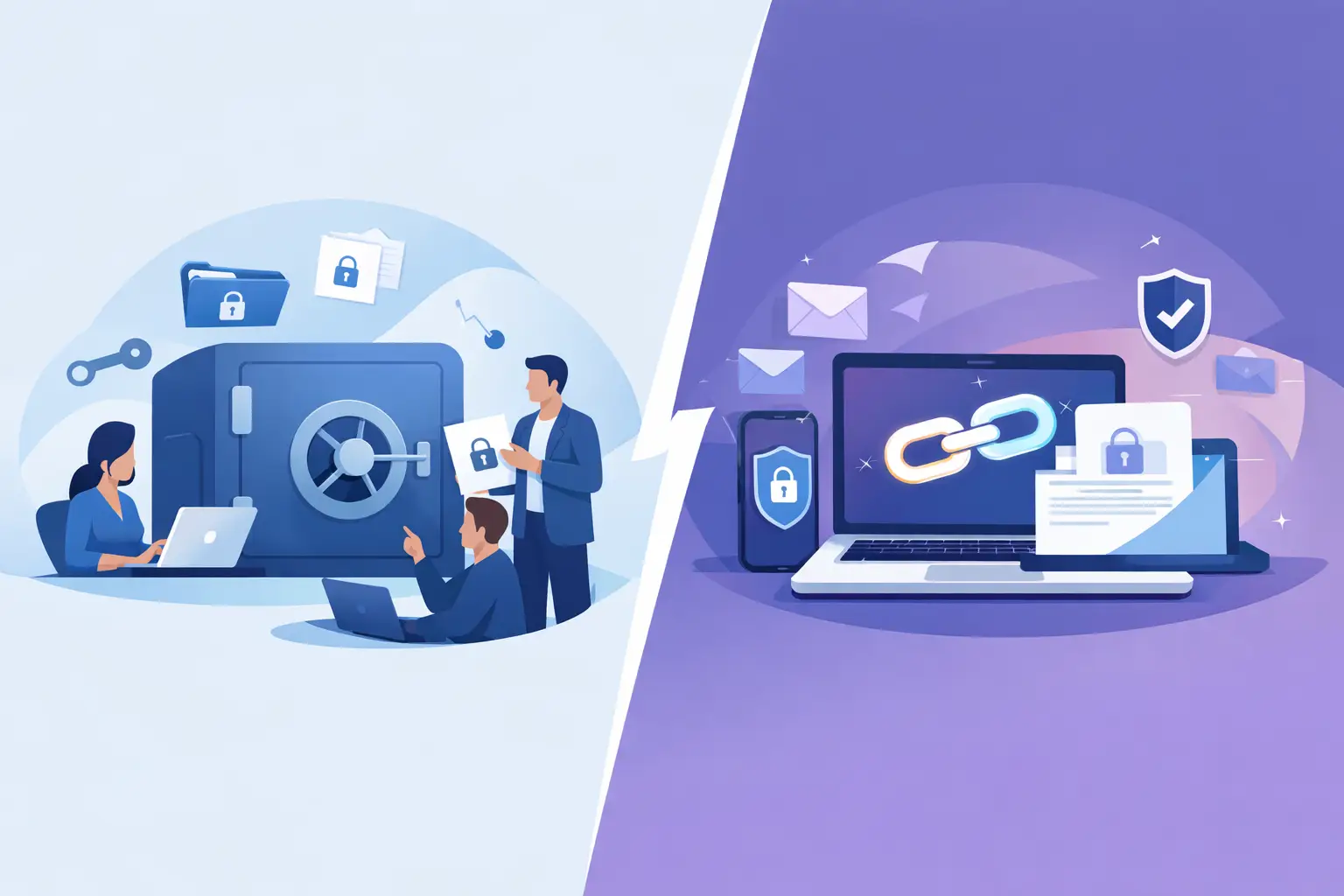
A shared vault vs secure link decision is not primarily about encryption. Both can protect data at rest and in transit. The operational difference is who submits the secret, who can retrieve it, how long it remains available, and whether the process expands your identity and access management boundary.
For engineering and security teams, that distinction matters most at the edge of the organization. A new customer sends production credentials. An agency needs to provide a deployment key. A vendor shares an API token during onboarding. These are common workflows, but they are often handled through email, chat, ticket comments, or a document that outlives the project.
A shared vault and a secure link solve different parts of that problem. Selecting the right one reduces both exposure and administrative friction.
What a shared vault is designed to do
A shared vault is a persistent repository for secrets used by a defined group. It is built for ongoing access: an engineering team shares service credentials, an operations group manages break-glass accounts, or a security team stores recovery codes. Membership, roles, folder structure, and audit history are central to its value.
The model works well when people need to retrieve or update the same secret repeatedly. A shared vault gives the organization a durable system of record and makes access review possible. If an engineer leaves, their vault access can be removed. If a credential is rotated, the new value can replace the old one in a known location.
That persistence is also its constraint. Before an external party can contribute a secret, someone must decide whether to create an account, provision a guest identity, grant limited access, and later remove it. Even when the vault supports external sharing, the process can create unnecessary identity records and standing permissions for a one-time exchange.
A vault is therefore strongest inside a controlled trust boundary. It is not automatically the best intake channel for people who do not belong in that boundary.
What a secure link is designed to do
A secure link is an externally shareable, purpose-specific submission channel. The sender opens a unique link and provides a password, API key, certificate, configuration value, or other sensitive data without needing an account. The recipient receives the submission in a protected destination, often with defined expiration, notification, and retention behavior.
The security advantage is not simply that the link uses encryption. It is that the workflow avoids turning every client, contractor, or vendor into a user of an internal secret-management system. The sender has no standing access to other secrets. The recipient does not need to create credentials or explain vault permissions. The link can be restricted to a single collection event or kept available for an approved period.
For client-facing secret collection, this reduces the temptation to use familiar but unsafe channels. A customer will often comply with a secure submission request if it takes less time than attaching a file or pasting a credential into a support ticket.
Securitae applies this model to credential collection, allowing external parties to submit secrets without a signup while routing data to approved destinations such as dedicated vaults, 1Password, or Slack. For teams that handle recurring client onboarding, that distinction can remove a meaningful source of secret sprawl.
Shared vault vs secure link: the practical comparison
The choice becomes clearer when the workflow is examined across access, lifetime, and ownership.
Access model
A shared vault grants access to a collection of secrets. Even with granular permissions, the user participates in a broader access-control model. That is appropriate for employees and long-term collaborators who need recurring access to managed credentials.
A secure link grants a narrow action: submit a secret. It does not give the sender permission to browse, retrieve, edit, or discover other items. This makes it a better fit for an external party whose only requirement is to deliver sensitive data.
The least-privilege principle favors secure links for inbound collection. It favors shared vaults for ongoing internal use.
Data lifetime
Shared vault items are meant to persist. They can be organized, versioned, shared, rotated, and retained according to company policy. Persistence is valuable when a credential remains operationally relevant.
Secure links can be ephemeral. A link may expire after a defined period, accept a single submission, or support burn-on-view handling for secrets that should not remain accessible after retrieval. This helps limit the useful life of exposed data if a link is forwarded, copied into an unapproved system, or discovered in old correspondence.
Ephemeral delivery is not always preferable. A production integration credential may need documented ownership, rotation history, and a durable home. In that case, use a secure link for intake, then place the secret in a shared vault or designated secrets platform after validation.
Sender experience
A shared vault can be inconvenient for a client who only needs to submit one value. Account setup, multifactor authentication, invitation delivery, and permission troubleshooting add steps before the actual exchange happens. Those controls are reasonable for persistent collaboration, but disproportionate for a single API key.
A secure link keeps the sender experience narrow. Open the link, submit the information, and receive confirmation. Fewer steps typically mean fewer workarounds.
This is a security consideration, not merely a usability one. When approved processes create more friction than email or chat, people route around them. A secure submission path should be easier than the insecure alternative.
Audit and accountability
A mature shared vault usually offers strong access and change records: who viewed an item, who changed it, and which members had access. This supports internal reviews, incident response, and compliance evidence.
Secure links need a different audit trail. The useful questions are when the link was created, who sent it, when a submission occurred, where the secret was delivered, whether it was viewed, and when it expired or was deleted. For external intake, this event history is often more relevant than a conventional vault membership log.
Do not assume either model is automatically compliant. Compliance depends on retention controls, encryption design, access governance, log integrity, regional requirements, and the systems receiving the secret after submission.
Use a secure link when the trust boundary is external
A secure link is usually the better choice when the secret comes from a customer, prospect, contractor, vendor, or other third party with no ongoing need for internal access. Common examples include onboarding a customer integration, collecting cloud credentials for a migration, receiving an API token for a support investigation, or obtaining a deployment certificate from a partner.
It is also appropriate when the secret should be exposed as briefly as possible. A burn-on-view secret can reduce residual access for one-time values, although it should not replace credential rotation after a suspected disclosure. If the credential is high impact, the safest assumption remains that a secret sent through any channel may eventually require rotation.
For high-assurance environments, review how the platform handles local storage and downstream synchronization. A bridge-mode workflow that deletes locally held data after successful synchronization can reduce data duplication. That is useful when the collection system should act as a controlled transfer point rather than another permanent store.
Use a shared vault when access must continue
Use a shared vault when a defined internal group needs repeatable access to the same credential. Examples include shared nonhuman service accounts, vendor portals managed by operations, environment-specific credentials, recovery materials, and documented handoff procedures.
The vault should still be governed carefully. Avoid broad team-wide access by default. Assign ownership for each secret, review membership regularly, enforce multifactor authentication, and establish rotation triggers for role changes, incidents, and vendor transitions. Folder organization can improve usability, but it is not a substitute for authorization boundaries.
A shared vault is also the destination that often follows secure intake. The external party submits a secret through a controlled link. An authorized employee validates it, stores it in the correct internal vault, applies ownership and rotation metadata, and closes the intake path. This separates external collection from internal distribution.
Build the workflow around secret lifecycle, not the tool
The most reliable teams do not ask which feature is more secure in isolation. They map the secret lifecycle: creation, submission, validation, storage, use, rotation, revocation, and deletion. The appropriate mechanism can change at each stage.
For example, a client API key may enter through a secure link, synchronize to an approved vault, be referenced by an automation system, and be rotated after the engagement ends. Trying to make one tool perform every stage can lead to excess access or duplicate storage.
Define a standard intake policy before the next urgent request arrives. Specify which secret types may be accepted, who may create collection links, which destinations are approved, how long links remain active, and when submitted credentials must be rotated. Engineering leaders should also ensure that support, sales engineering, and implementation teams know the approved path. They are frequently the people receiving sensitive data first.
The better choice is usually straightforward: use secure links to receive secrets across a trust boundary, and shared vaults to manage secrets within one. Designing that handoff deliberately keeps sensitive data out of inboxes, tickets, and chat history, where it was never meant to live.